
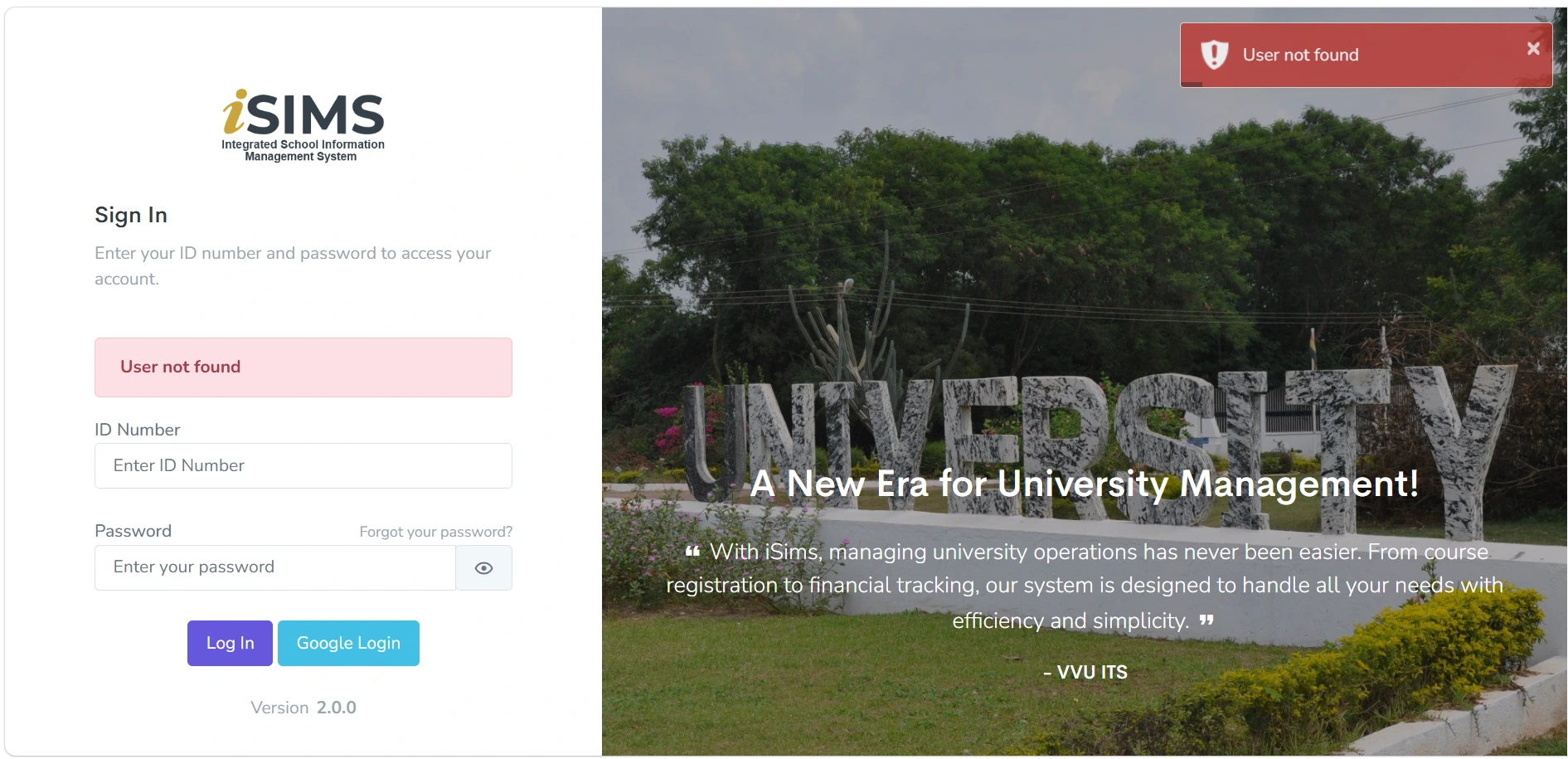
This notice will specifically address students who encounter the “User not found” error when attempting to log into ISIMS. It will provide the steps to: Go to the ISIMS login page.
This notice will specifically address students who encounter the “User not found” error when attempting to log into ISIMS.
It will provide the steps to:
- Go to the ISIMS login page.
- Click Forgot Password.
- Enter the Student ID.
- Submit the password-reset request.
- Check the registered email, including Spam/Junk.
- Open the password-reset link.
- Create a new password.
- Log in again with the Student ID and new password.
Students who still cannot access their accounts will be directed to the ISIMS Login Support Form for assistance.